Seven prompts to vibe code your business website.
A 7-page PDF guide for building a fast, professional site with Claude Code, for $1. No developer, no WordPress, and a simple first site in a weekend is a realistic target.
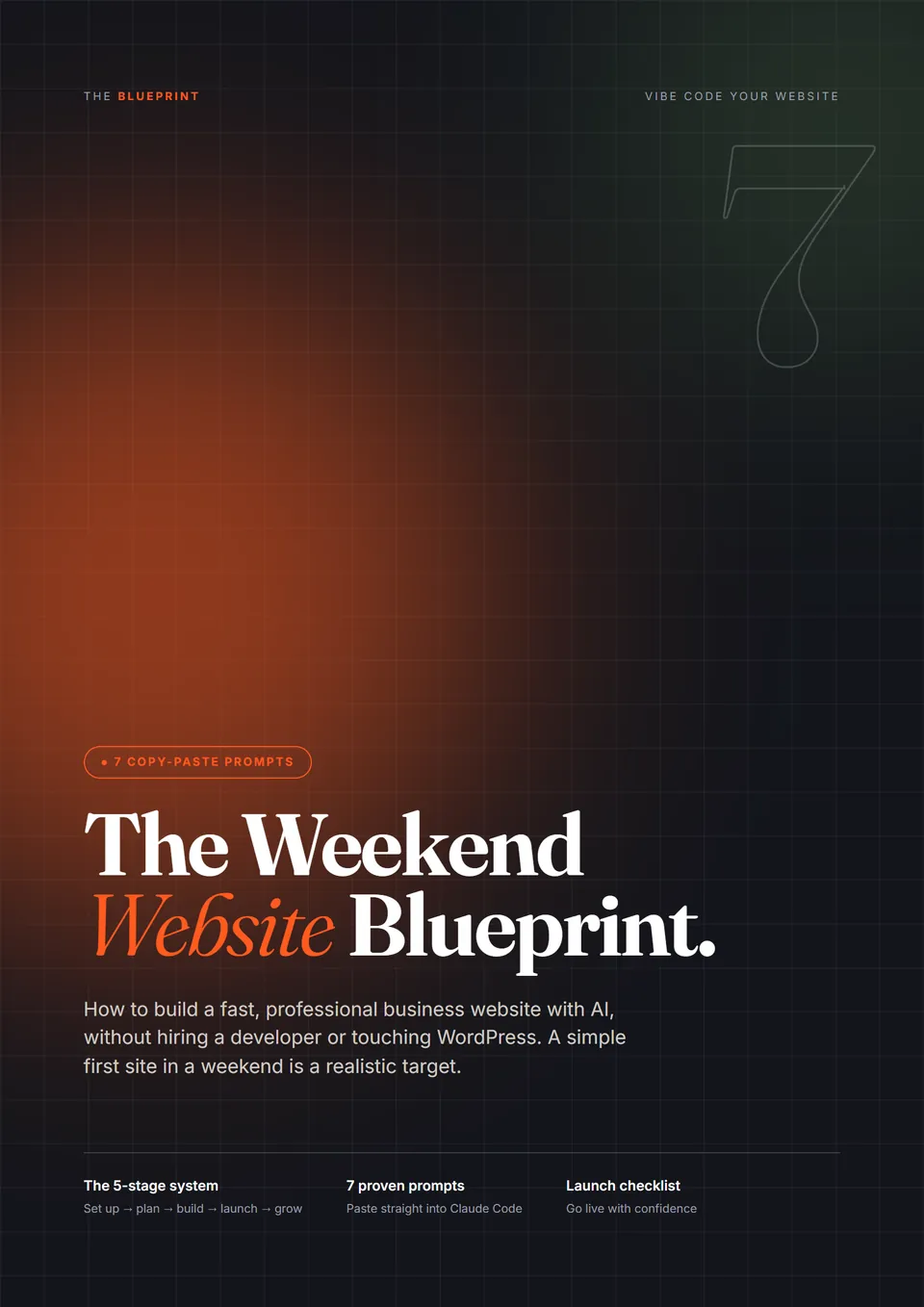
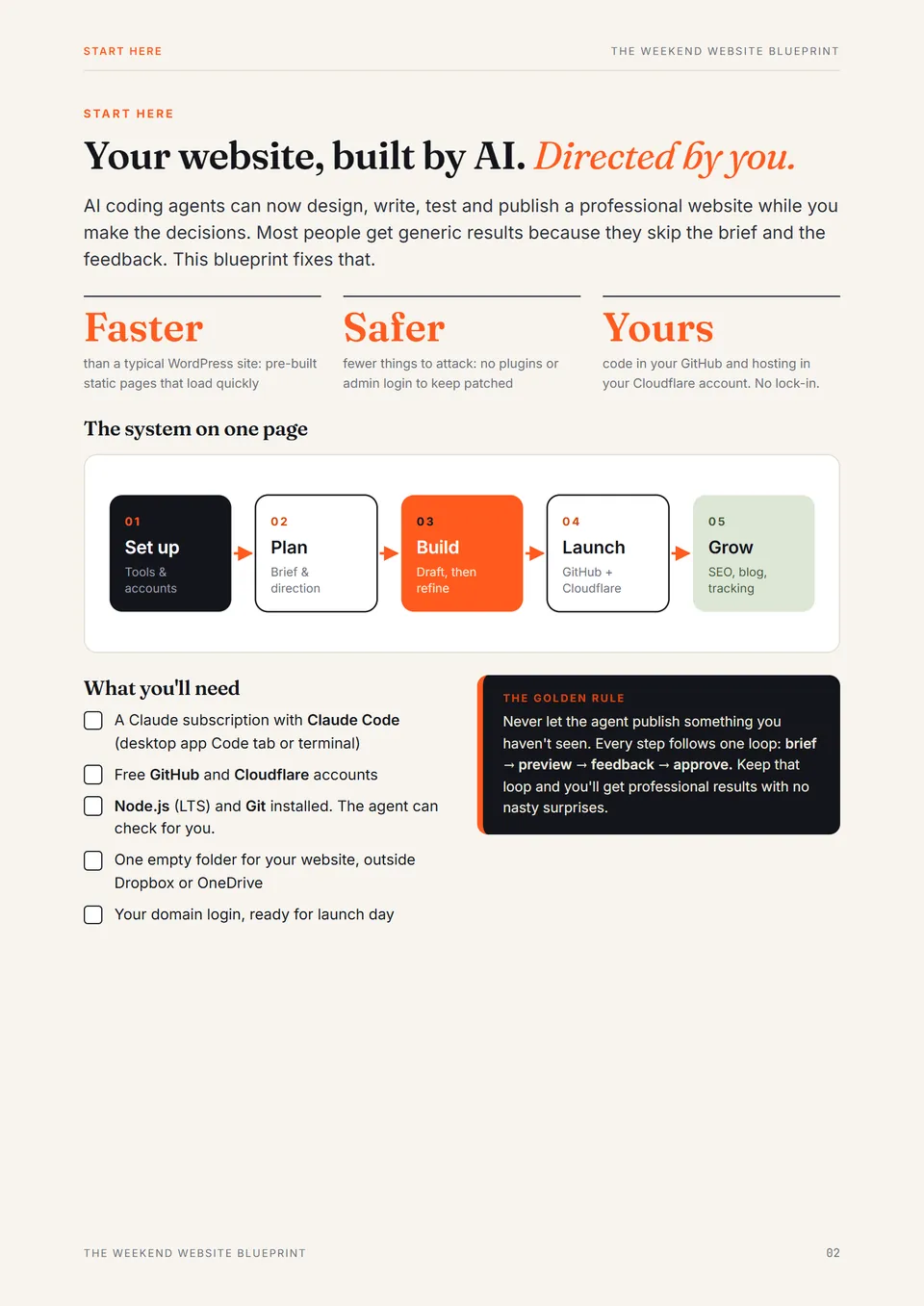
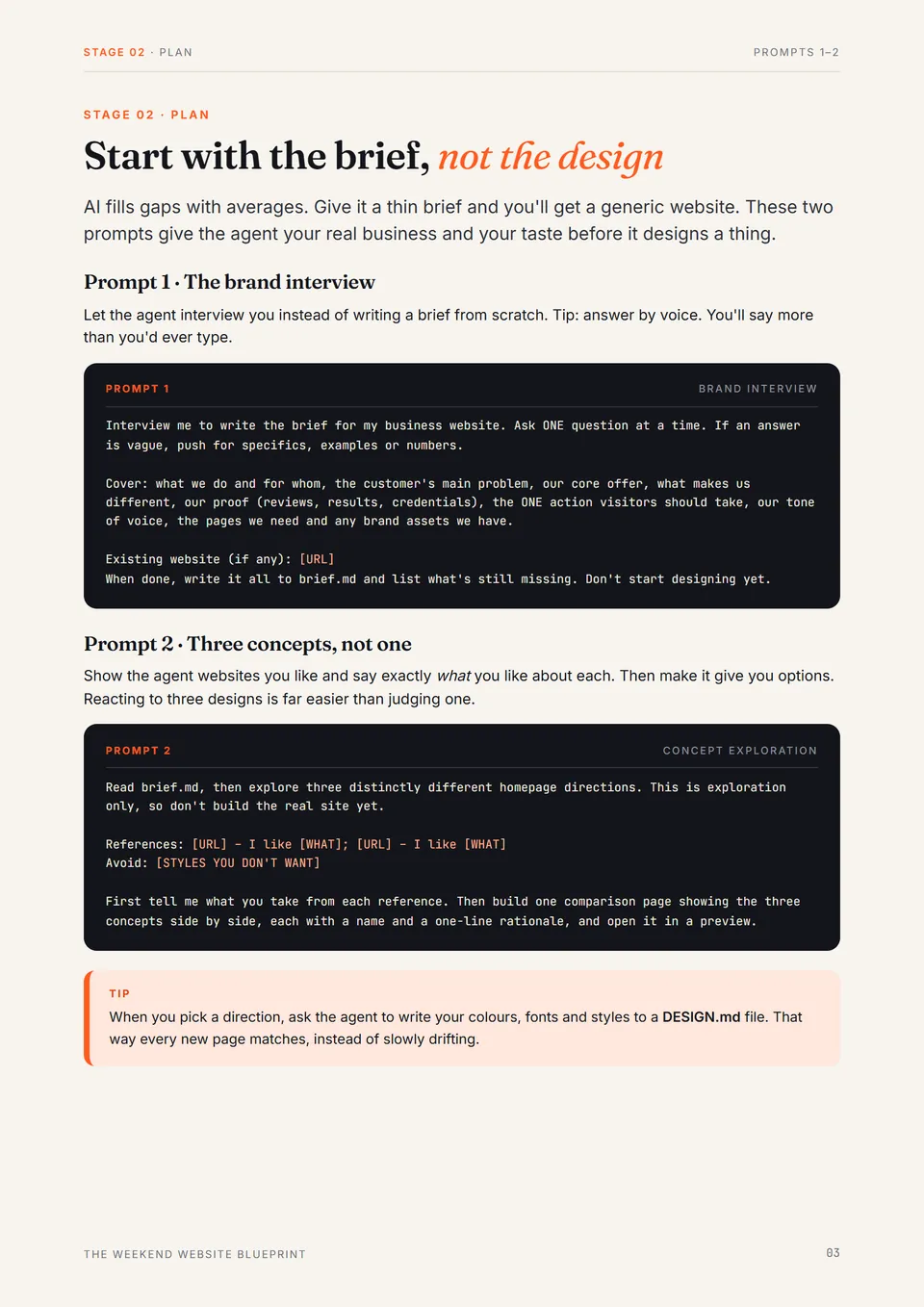
Preview 1 of 3
Use the left and right arrow keys to flip through the pages.
What the seven prompts do
They follow the order you'll actually work in. Each one is ready to paste into Claude Code, with the parts to change marked in brackets.
- 1
The brand interview
The agent interviews you one question at a time and writes your brief, so the site is about your business, not an average one.
- 2
Three concepts, not one
See three homepage directions side by side before a line of the real site is built.
- 3
Homepage, first draft
Set up the site and build a homepage structured to sell, with no filler text and no invented facts.
- 4
Keep, change, dial back
Feedback the agent can act on, so revisions get better instead of just different.
- 5
A form that delivers
Enquiries that reach your inbox, with server-side spam protection and a thank-you page.
- 6
Save and publish
A private GitHub copy and Cloudflare hosting, with a preview link before anything goes live.
- 7
Search and AI-answer audit
What to fix for Google and AI assistants, in priority order, before you change a thing.
Here's prompt 4, word for word. The feedback loop is where most of the quality comes from.
Feedback on the homepage. Address every point, then show me the preview.

KEEP: [e.g. hero photo, FAQ layout]
CHANGE: [Section] – [problem] because [reason]. Good would look like [description].
DIAL BACK: [e.g. accent colour is everywhere; use it on buttons only]

Then review the page as a senior designer would, list anything that looks generic or AI-made, and fix the top 3.
What you'll need
- A Claude subscription that includes Claude Code
- Free GitHub and Cloudflare accounts
- An empty folder, your business details, and a few hours
You won't write code. You'll brief, review and approve while the agent builds.
Get the seven prompts and start this weekend.
Instant PDF download. Secure checkout and delivery through WarriorPlus.